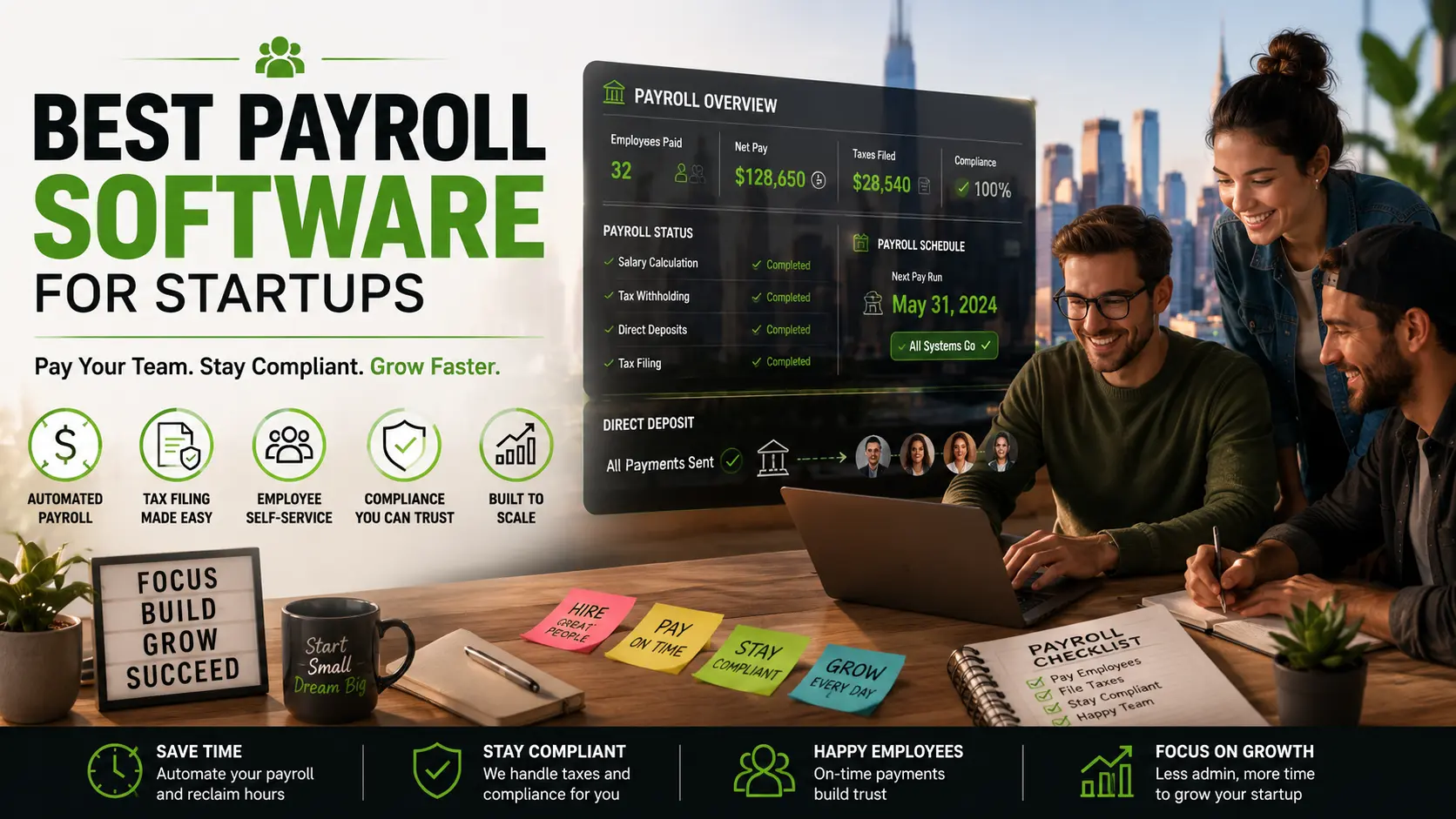

When you’re just starting out, payroll seems easy enough. You hire a couple of people, figure out what to pay them, send the money, and that’s it. Maybe it works that way for the first paycheck or two.
But things get messy fast. Suddenly you’re staring at tax withholdings, state-by-state rules, payments for contractors, benefits tracking, direct deposit issues, endless reports, compliance hoops, and piles of employee paperwork. Something that felt simple suddenly eats up hours and just keeps coming back every pay period.
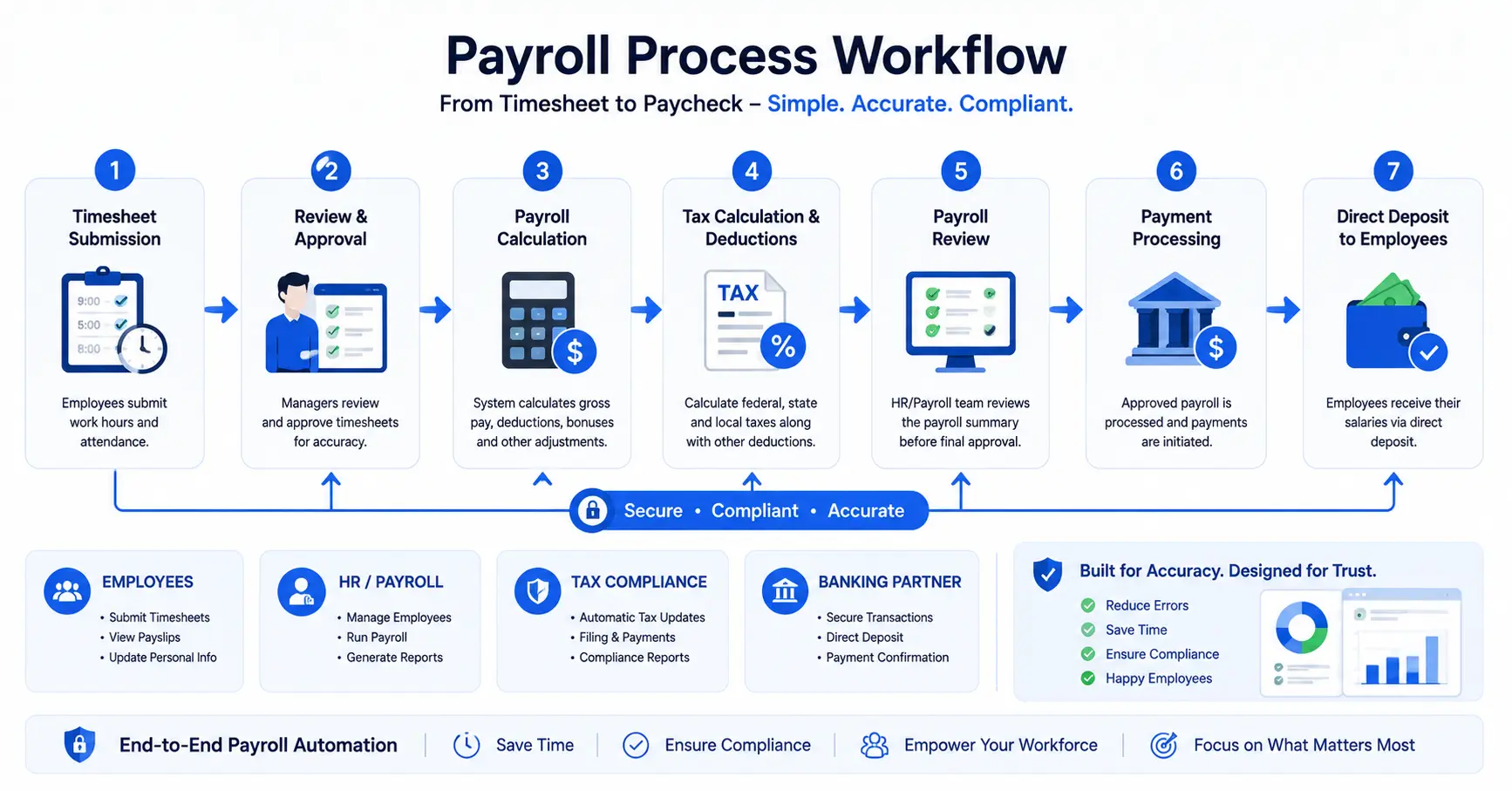
There’s good news, though: payroll software now handles most of this headache for you. Modern platforms take care of tax calculations, file the right paperwork, run direct deposits, manage benefits, and spit out compliance reports like clockwork. With the right tool, startup teams can reclaim hours every month—and actually focus on building the business.
The tricky part? Picking one. Some payroll systems are over-engineered for massive companies. Those usually cost too much and dump a pile of features you’ll never need. Others are cheap, but they cut corners on features you actually want as your team grows. That’s why we compared the best payroll software for startups—looking at ease of use, automation, compliance, integrations, pricing, and the value for what you pay.
So whether you’re hiring your first employee or adding team members all over the country, this guide helps you zero in on the right payroll tool.
Why Payroll Software Actually Matters for Startups
Payroll screw-ups cost money. Miss a tax deadline, pay someone incorrectly, or ignore compliance? Get ready for fines—and plenty of stress you don’t need.
Good payroll software helps you:
- Automate pay runs and filings
- Avoid compliance mistakes
- Save time on admin work
- Keep up with taxes
- Manage contractor payments
- Keep employees happy
- Scale as you grow
If you’re wearing all the hats, automating payroll is honestly one of the fastest ways to get hours (and sanity) back.
Author’s Review
Choosing payroll software is one of those decisions that can quietly shape how smoothly a startup operates. After reviewing the leading payroll platforms featured in this guide, it’s clear that there isn’t a one-size-fits-all solution. The right choice depends on your team size, hiring plans, budget, and how much of the payroll process you want to automate.
For most early-stage startups, Gusto stands out because it strikes an excellent balance between simplicity, automation, and compliance. If your business already relies on QuickBooks for accounting, QuickBooks Payroll offers a seamless workflow that can save valuable time. Startups planning to scale rapidly or manage a distributed workforce may benefit from the broader HR and IT capabilities offered by Rippling or the enterprise-grade flexibility of ADP.
Before committing to any platform, I recommend taking advantage of free trials or live demos whenever possible. Pay attention not only to features and pricing but also to how intuitive the software feels for your team. A payroll system should reduce administrative work, minimize compliance risks, and grow with your business -not become another tool that slows you down.
The best payroll software is ultimately the one that gives founders confidence that employees will be paid accurately, taxes will be handled correctly, and valuable time can be spent building the business instead of managing paperwork.
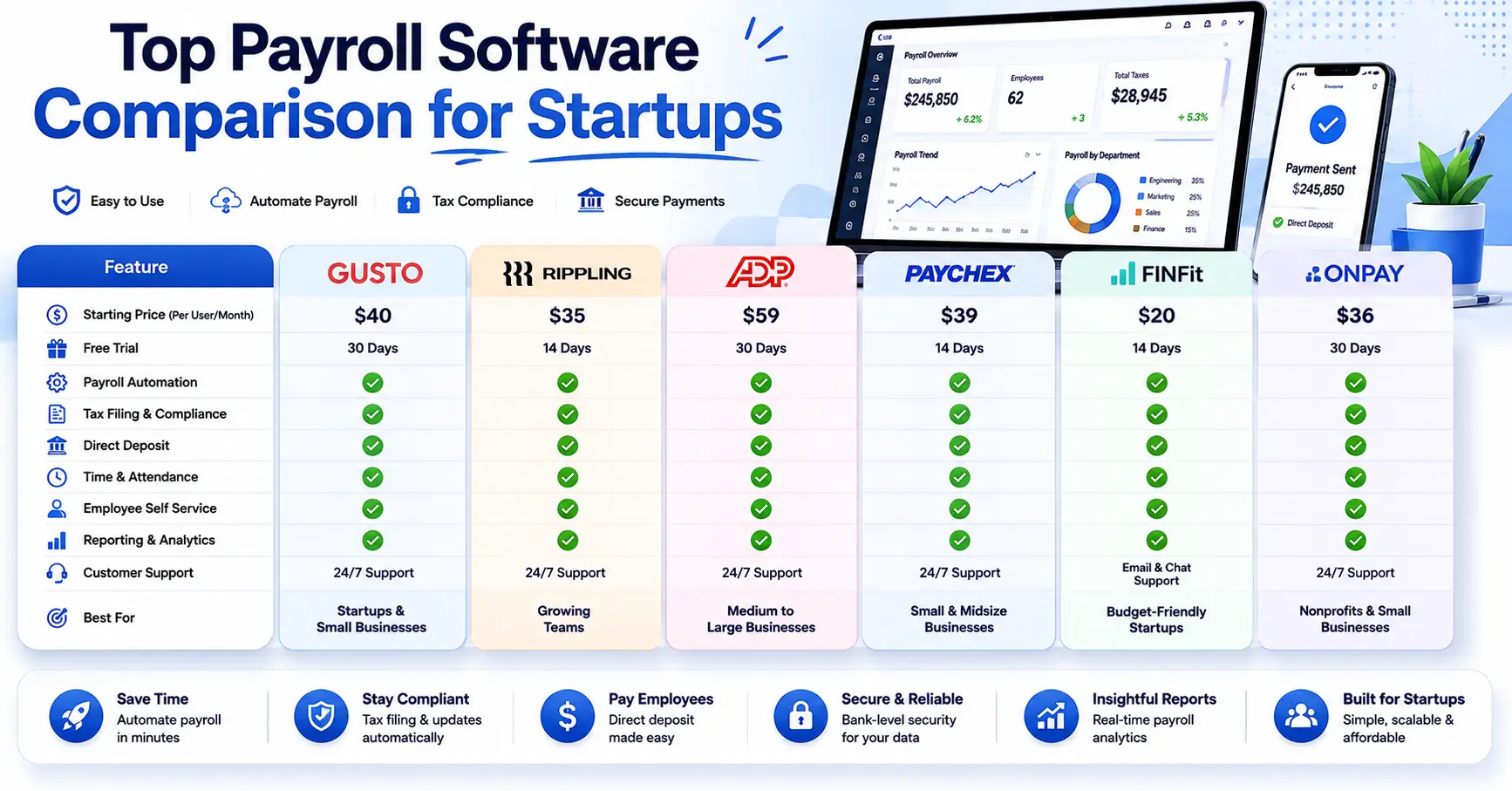
Quick Comparison
| Software | Best For | Starting Price | Tax Filing |
|---|---|---|---|
| Gusto | Startups & SMBs | $40/month + users | Yes |
| QuickBooks Payroll | Accounting integration | $45/month + users | Yes |
| ADP | Growing companies | Custom pricing | Yes |
| Rippling | HR + Payroll | Custom pricing | Yes |
| Paychex | Compliance support | Custom pricing | Yes |
| OnPay | Affordable payroll | $40/month + users | Yes |
1. Gusto – Best Overall for Startups
Gusto’s always a favorite with founders, and once you try it, you get why. You get payroll, benefits, onboarding, tax help, and HR basics in one easy platform.
Highlights:
- Full-service payroll
- Automated tax filing
- Employee self-service (let them pull their own pay stubs!)
- Direct deposit
- Benefits management
- Handles contractors, too
Setup is simple. Gusto feels built for people who haven’t done payroll before.
Pros:
- Super user-friendly
- Great for small teams and early growth
- Solid customer support
- Built-in compliance help
Cons:
- Some advanced HR features missing
- Price climbs as headcount grows
Who it’s best for:
- Early startups
- Small businesses
- Remote teams
2. QuickBooks Payroll – Best for Accounting Integration
If you already use QuickBooks, life gets easier here. Payroll data flows straight into your books—less manual entry, fewer mistakes.
Features:
- Automates payroll
- Same-day direct deposit
- Tax filing help
- Workforce management basics
Pros:
- Seamless with QuickBooks
- Easy to use
- Strong reporting
Cons:
- Not the best for teams outside QuickBooks
- Lacks some deep HR tools
Best for:
- Startups already on QuickBooks
- Small business owners
3. Rippling – Best All-in-One Workforce Platform
Rippling covers payroll, HR, benefits, devices, and general operations—all in one system. For fast-growing teams, having everything in one place is a lifesaver.
Pros:
- Handles just about everything
- Automation is strong
- Connects easily to other tools
Cons:
- Pricing isn’t open
- Can feel like too much if you’re still small
Best for:
- Scaling startups
- Tech companies
- Fully remote or distributed teams
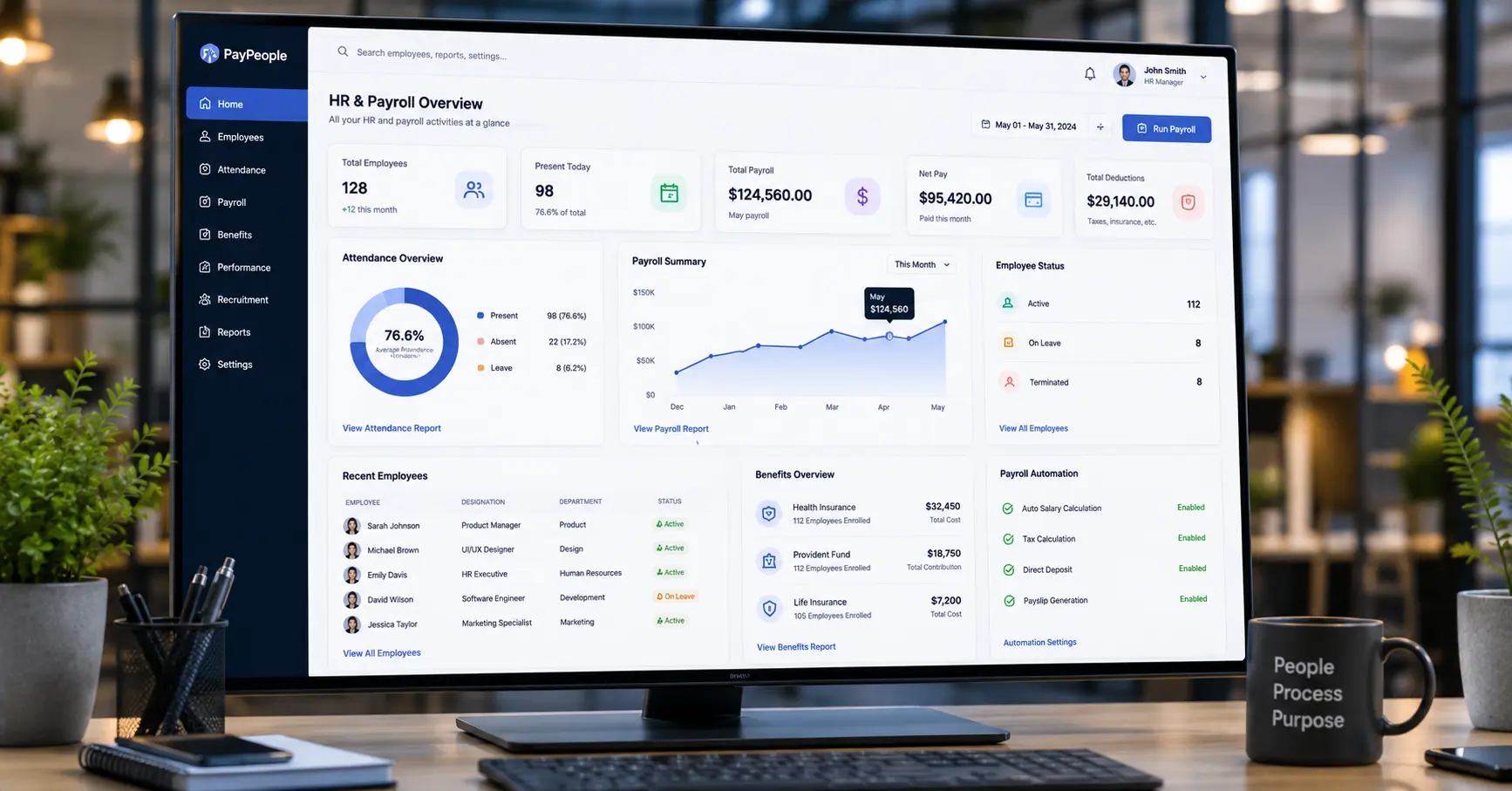
4. ADP – Best for Growing Businesses
ADP’s the big name here, serving all sizes. You get payroll, HR, compliance tools, and workforce management all baked in.
Pros:
- Strong on compliance
- Grows with your company
- Trusted brand
Cons:
- Custom pricing (ask for a quote)
- Can get expensive quick
Best for:
- Growing companies
- Multi-state teams
5. Paychex – Best for Compliance Support
Startups juggling lots of state rules or tricky compliance love Paychex. It’s built for businesses where keeping up with regulations is half the battle.
Pros:
- Compliance experts on tap
- HR consulting as an add-on
- Flexible plans
Cons:
- Price changes depending on needs
- Interface feels a little old-school
Best for:
- Highly regulated niches
- Companies hiring across states
6. OnPay – Best for Affordability
OnPay keeps pricing simple and still gives you all the basics. You get unlimited payroll runs, tax filing, onboarding, and benefits management.
Pros:
- Clear, affordable rates
- Quick setup
- Handles all the standard payroll tasks
Cons:
- Not many deep features for HR
- Customization is limited
Best for:
- Cost-conscious startups
- Smaller teams
- Service businesses
What to Look for in Payroll Software
Here’s what actually matters before you choose:
Automated Tax Filing
You don’t want to spend every pay period fiddling with withholdings or forgetting a filing. Let the software do it.
Direct Deposit
Fast and reliable payments are a must. Most modern systems do this—if they don’t, look elsewhere.
Employee Self-Service
Let people grab their own pay stubs and tax docs. Saves everyone time.
Integrations
Link payroll to accounting, HR, time tracking, and benefits. It saves twice the effort later.
Compliance Support
Rules change. States are picky. Pick software that tracks compliance for you.
Mistakes Startups Make with Payroll
Sticking with Manual Payroll Too Long
Manual means errors. Automation fixes that.
Ignoring Compliance
Tax and labor laws shift a lot. If you’re not up to date, you’ll pay later.
Picking the Cheapest Option
You get what you pay for—especially as the team grows.
Not Planning for Growth
Choose a tool you don’t have to replace as your company scales.
Advice for Founders
- Keep things simple to start—don’t buy big-company tools before you need them.
- Picture your team two years from now, not just today.
- Automate everything you can.
- Make sure customer support is strong—you’ll need it around deadlines.

FAQs
What’s the best payroll software for startups?
Gusto wins for most early-stage companies thanks to its ease and automation.
Do startups need payroll software?
Absolutely. It keeps you compliant, saves time, and reduces mistakes.
How much does it cost?
Most start with a base fee (like $40/month) plus a charge per employee.
Can payroll software handle taxes?
Yes. Modern software files and pays payroll taxes for you.
Which payroll software works best with QuickBooks?
QuickBooks Payroll syncs directly with QuickBooks accounting.
Bottom Line
Payroll isn’t glamorous, but it’s a must if you want to pay your people on time and stay out of trouble. Good payroll software gives founders hours back, cuts down on mistakes, and keeps employees happy. If you want the best mix of simple setup, strong automation, and fair value—Gusto is hard to beat. QuickBooks Payroll fits if you’re already using their accounting. Growing quickly? Rippling or ADP might suit you more.
Pick the software that takes payroll and compliance off your plate, so you can get back to actually running your company.

SoftwareCompanyNearMe Editorial Team is dedicated to researching and publishing trusted content about U.S. software companies, SaaS platforms, artificial intelligence (AI), cloud computing, cybersecurity, and enterprise technology. Our goal is to help businesses, IT professionals, and software buyers make informed decisions through accurate, well-researched, and regularly updated technology guides, company reviews, and industry insights.
1 thought on “Best Payroll Software for Startups”